
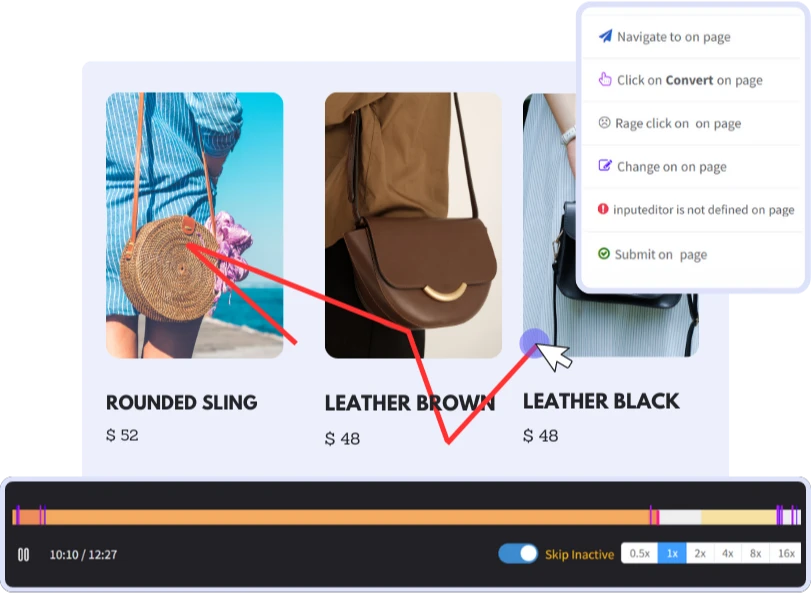
UX Analytics - Watch, Decode & Design Better
Analyze UX (user experience) with both quantitative and qualitative data on user behavior and their pain points. Boost your UX design by identifying bottlenecks and improving conversion.
Benefits
 Save Time
 Instantly capture and analyze behaviors as they happen in real-time.
 Enhanced User Experience
 Gain comprehensive customer insights for a complete understanding.
 Boost Revenue
 Identify emerging possibilities to drive revenue growth
 Customer Satisfaction
 Remove barriers and delight customers with effortless interactions.
 Pinpoint and Resolve Bugs
 Effectively address, troubleshoot, and resolve problems for prompt resolution.
 Privacy-Driven Integration
 Prioritize privacy and secure integration for driving continuous innovation.
Analyze UX in Qualitative & Quantitative
Understand UX with Features such as customer journey analytics, session replay, heatmap, form and form analytics
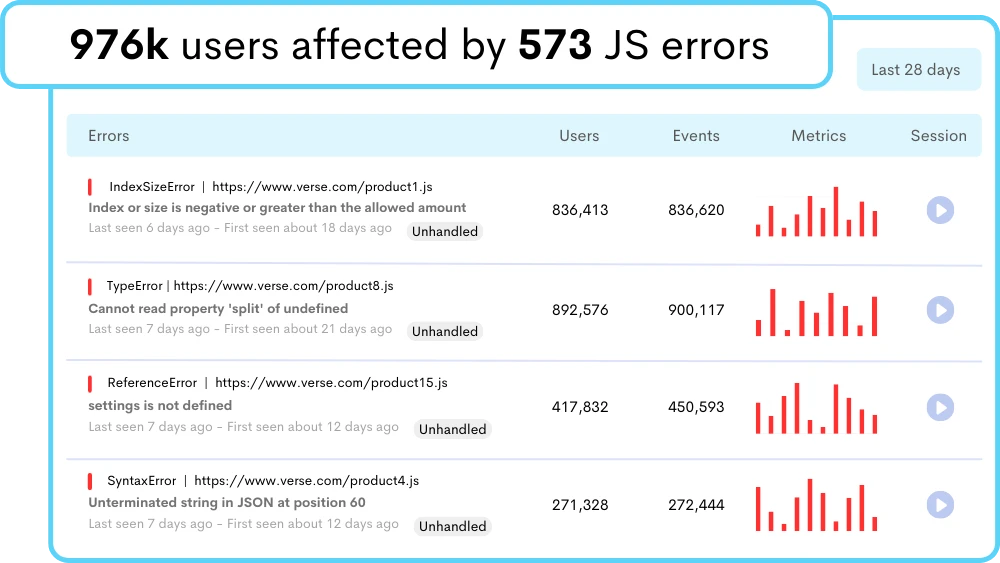
Detect User Experience (UX) Elements Causing Friction
Spot usability issues and broken elements on your website to quickly identify what to change to give your user a frustration-less user experience.
- Spot User Facing Issues: Slow loading, unresponsive buttons, unclear labels, broken links, & error messages interrupt user actions.
- Code-level Resolution: View the complete stack trace with highlighted line of code responsible for the error.
- Pinpoint Opportunities: Get the spotlight on issues before it's too late with quantitative insights on your (user experience) UX analytics.
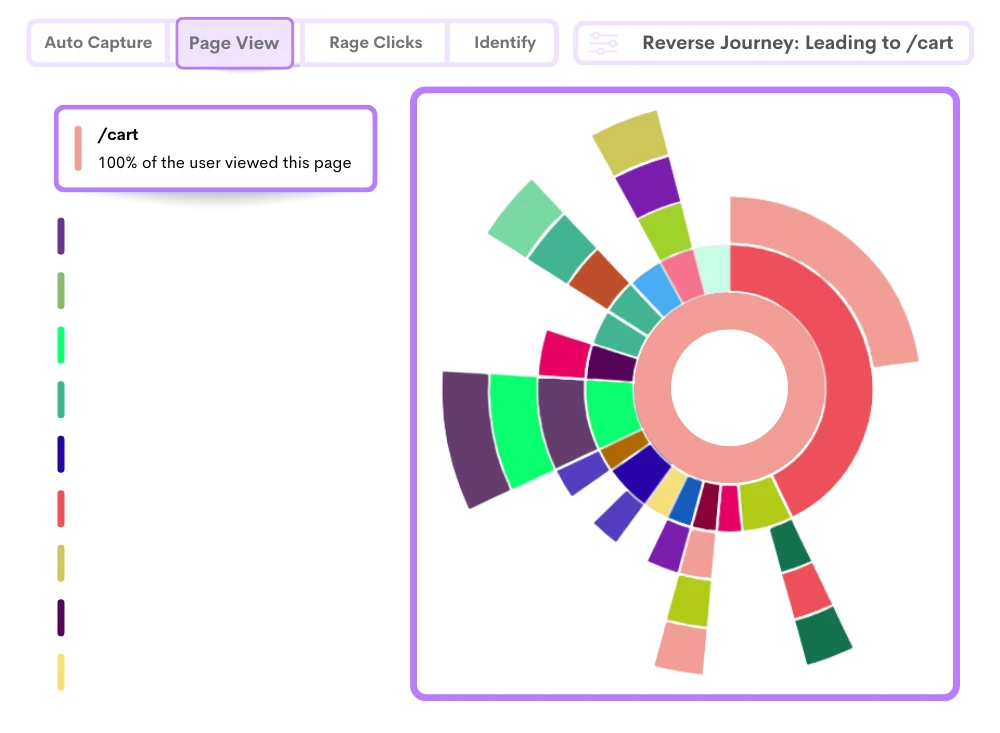
Step into User's Shoes to Spot Key Milestones in UX Journey
Insights on user behavior through UX analytics like heatmaps, session replay, and <a href='/features/event-tracking/' class='text-blue-600 underline'>event tracking</a>.
- Capture Roadblocks: Watch session recordings to uncover UX issues and solve them for increased customer satisfaction.
- Optimize Conversion Paths: Identify where users drop off with difficulties to increase the chance of users completing desired actions, leading to higher conversion rates.
- Identify Hot & Cold Spots: Boost your design decisions with a comprehensive view of your website's most and least interacted parts.
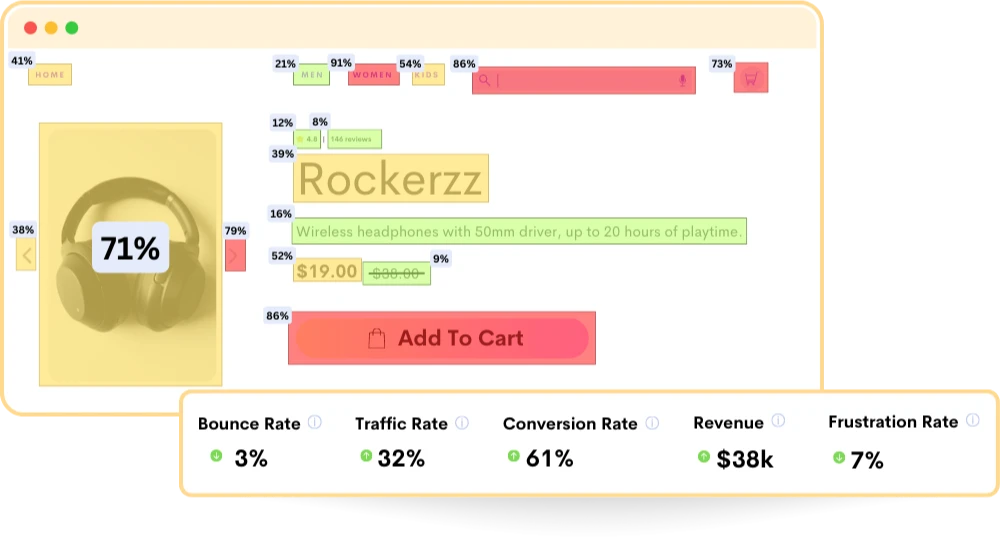
Discover UX Designing Opportunities
Get new user interface design ideas by just walking in your end user’s shoes to find the right “Ah moment!” with no need for guesswork.
- UX Data Analysis: Collect UX data on user interactions, behavior, and engagement across different platforms, browsers, and devices.
- Behavioral Analysis: Prioritize areas that need improvement on pages with low interaction, critical elements, and errors.
- Click Analysis: Spot areas where users repeatedly click rapidly or furiously, indicating frustration, confusion, or unexpected behaviors to address and improve overall UX.
Frequently Asked Questions
Design teams use this info to improve the website, making it smoother and fixing any problems that might annoy users. This makes the experience better for users, helps more people buy things, and keeps customers coming back.
Example: UX analytics might look at numbers like how many people visit a page or use certain devices, as well as watching recordings of how users move and interact on the site to understand where they might get stuck or frustrated. This helps teams make changes to improve the website and make it easier for everyone to use.
2. Check User Experience: It looks for problems users face when using a product, like things that are confusing or don’t work well, to make improvements.
3. Make It Easy: The main goal is to make using the product easier. By listening to users and their feedback, designers can make things simpler and more enjoyable.
4. Speed Things Up: UX analysis also makes sure that the product works fast and well on different devices. It aims to make everything run smoothly for users.
They focus on making these things work better and match what the business wants using data and suggestions based on what users need.
- User Journey Mapping: Understand user paths to refine navigation and optimize flow.
- Key Metrics: Track KPIs from ReplayBird to measure progress and performance.
- Content & Design Refinement: Use insights for targeted improvements in content and design.
Usability: This specifically focuses on how easy and efficient it is for users to achieve their goals within a product or system. It's about making sure the design and interface are straightforward, intuitive, and effective in helping users accomplish tasks without confusion or difficulty.
Stop guessing what your users want
Understand every user interaction with powerful analytics tools.
Session Replay
Watch exactly how users interact with your product through pixel-perfect session recordings.
Tags & Segments
Organize sessions with tags and create segments for targeted analysis.
Quick Setup
Install in minutes with a single JavaScript snippet. No complex configuration required.
Performance Metrics
Monitor page load times and performance to improve user experience.
Unlimited Team
Invite your entire team and stakeholders at no additional cost.
Privacy Controls
Block IPs, mask sensitive data, and stay compliant with privacy regulations.
Start using ReplayBird for free
Understand your users with session replay, heatmaps, and product analytics.
- Free 14-day trial
- No credit card required
- Unlimited team members
Explore All Features
Everything you need to understand user behavior and improve your product experience.
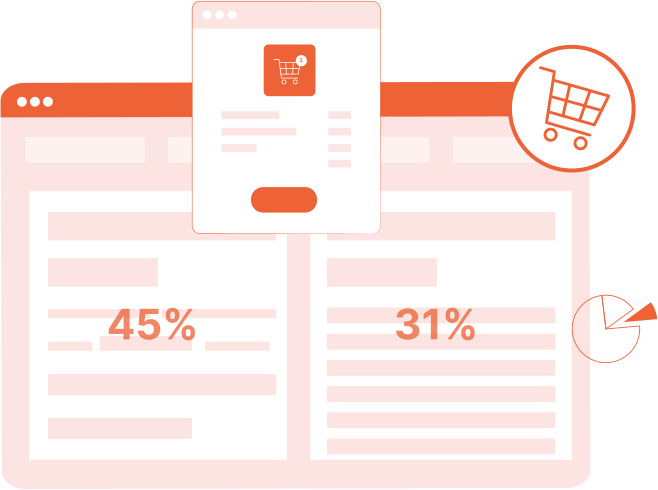
Product Analytics
Track user behavior, measure engagement, and make data-driven product decisions.
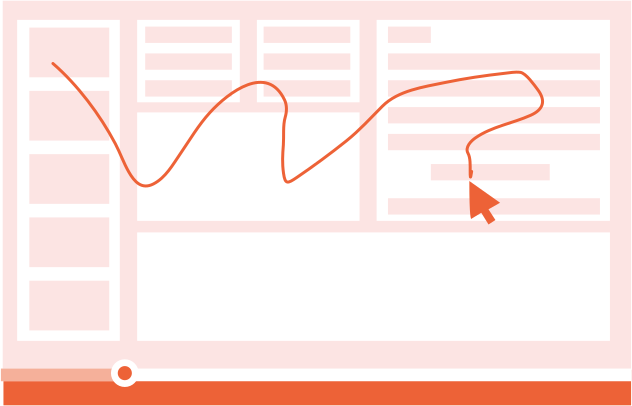
Session Replay
Watch real user sessions to see exactly how users interact with your product.
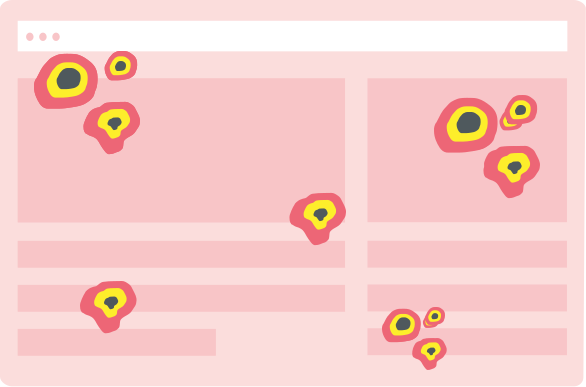
Interaction Heatmaps
Visualize clicks, scrolls, and engagement patterns across your pages.
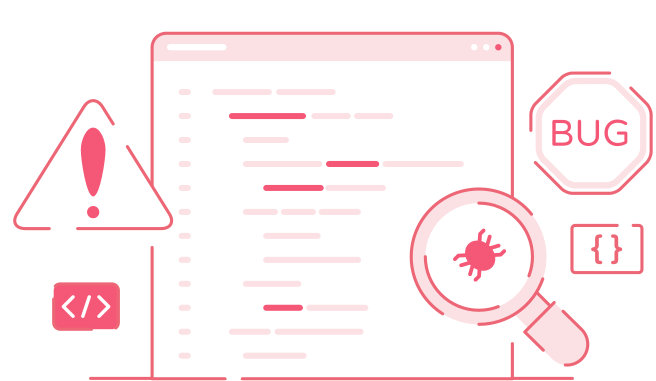
Error Tracking
Catch and fix frontend errors before they impact user experience.

Funnel Analysis
Identify drop-off points and optimize your conversion funnels.

Customer Journey
Map the complete user journey from first touch to conversion.

Form Analysis
Understand form interactions and reduce abandonment rates.
Speed Analysis
Monitor performance and its impact on user experience.